
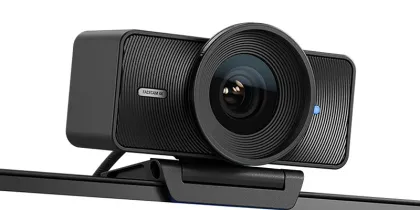
Elgato Facecam 4K
Elgato's flagship webcam delivers true 4K at 60fps with a large Sony sensor, advanced image processing, and cinematic field of view.
Check price on Amazon2 new Virtual Facilitation Masterclass cohorts, open now.
Registration for a new cohort is open.The right tech makes a big difference. Clear audio, video, and professional lighting are essential for online sessions. The right gear simplifies your workflow and sharpens your delivery. My top picks will help you create a professional home office setup for facilitators.
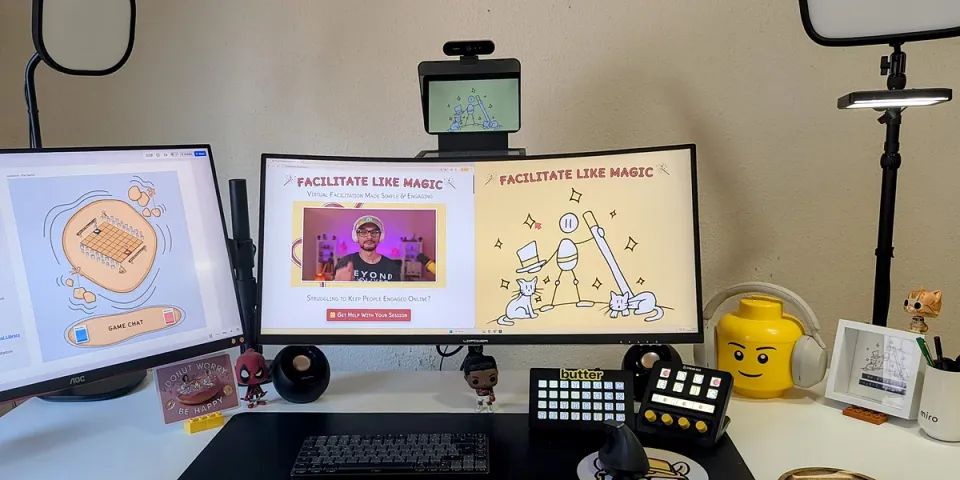
A good webcam helps participants feel connected. It makes online meetings more engaging and professional without adding complexity.
Elgato's flagship webcam delivers true 4K at 60fps with a large Sony sensor, advanced image processing, and cinematic field of view.
Check price on Amazon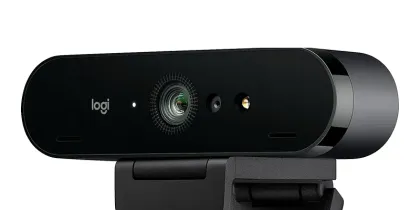
Ultra HD video with HDR, autofocus, 5x zoom, and dual noise-canceling mics.
Check price on Amazon
The OBSBOT Meet 2 brings AI auto-framing, gesture control, and HDR in a compact 4K webcam.
Check price on AmazonNo home office setup is complete without reliable sound. Clear audio keeps attention, and a good mic makes your voice natural and easy to follow.

USB-C/XLR dual use, LED touch panel, auto-leveling, and voice polish, all in Shure's high-end quality.
Check price on Amazon
USB microphone with pro-level sound, anti-clipping technology, and Wave Link software.
Check price on Amazon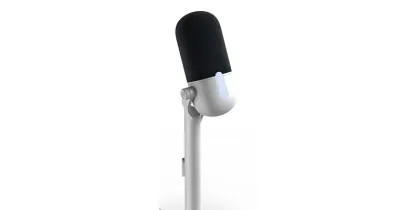
Compact USB microphone with plug-and-play setup, clear vocal capture, and modern design for creators.
Check price on AmazonLighting is often overlooked, but it shapes how people see you. Balanced light removes distractions and creates a professional look.

Studio-grade light with adjustable brightness and color temperature for professional on-camera presence.
Check price on Amazon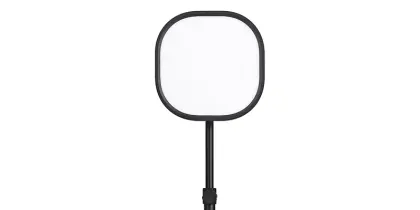
Compact and versatile LED panel that delivers balanced lighting in a smaller, more affordable package.
Check price on Amazon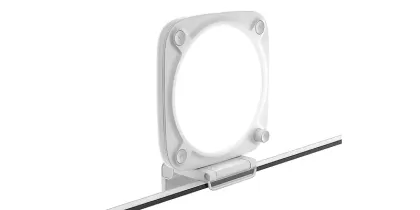
Entry-level LED light with easy setup and reliable brightness to improve video quality at home or in the office.
Check price on AmazonHeadphones are essential for every online meeting. They block distractions, prevent echo, and keep you fully focused.

ANC headphones with studio-grade sound and extended comfort, engineered by Sony.
Check price on Amazon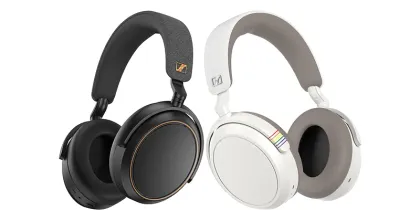
Adaptive noise canceling, 60-hour battery, and multipoint Bluetooth pairing, by Sennheiser.
Check price on Amazon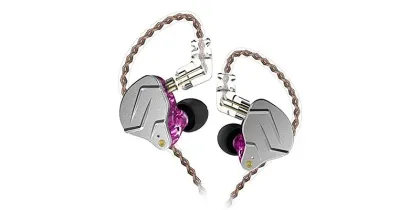
Budget-friendly in-ear monitors with clear sound, detachable cables, and a lightweight design for everyday use.
Check price on AmazonWireless mics give you freedom to move while staying clear. Worth it if you think better on your feet than behind a desk.
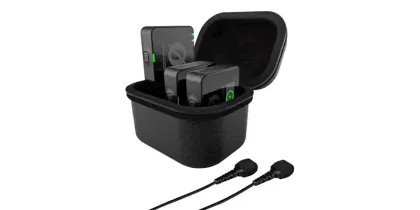
Professional dual-channel wireless system with 32-bit float recording and timecode for broadcast-quality audio.
Check price on Amazon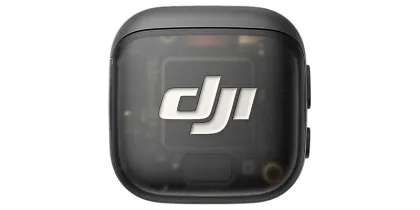
Compact wireless mic system from DJI with excellent sound quality, long battery life, and easy-to-use design.
Check price on Amazon
Affordable wireless mic system with clear voice pickup and reliable performance for training sessions.
Check price on AmazonGreat facilitation tech is only part of the equation. My free Zoom Optimization Guide shows you how to fine-tune your Zoom settings so your virtual meeting setup feels professional.
Get the free Zoom guideFor many facilitators, a Stream Deck is already essential. One-touch controls for scenes, tools, and effects keep your sessions smooth and focused.
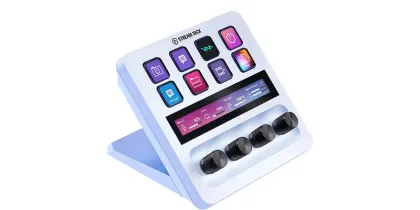
8 customizable keys, 4 dials, and a touch strip for advanced workflows.
Check price on Amazon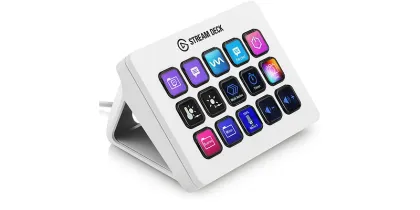
The classic 15-key deck. Streamlines your everyday tasks.
Check price on Amazon
Affordable 8-key deck with clean design and essential features to simplify your workflow.
Check price on AmazonSmart add-ons that boost confidence, control, and polish during online sessions. They help you stay focused and deliver smoothly.

Compact teleprompter that lets you keep eye contact while following notes or scripts during presentations.
Check price on Amazon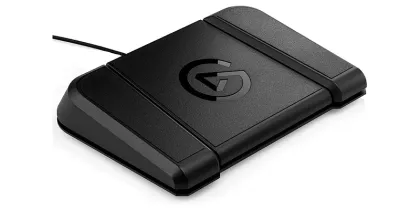
Hands-free control pedal with three customizable foot switches for switching scenes, triggering actions, or muting audio.
Check price on Amazon
Affordable roll-up green screen with a portable design, perfect for creating professional virtual backgrounds on a budget.
Check price on AmazonA good mouse makes work smoother and navigation effortless. Choose comfort and precision for long days at your desk.

Flagship productivity mouse with MagSpeed scroll, ergonomic grip, and multi-device support.
Check price on Amazon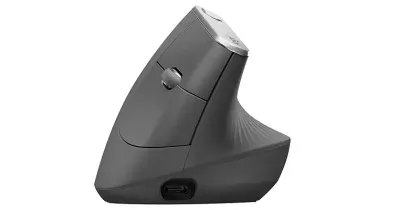
Vertical design that reduces wrist strain while keeping precision and wireless comfort.
Check price on Amazon
Lightweight, affordable wireless mouse with long battery life and dependable performance.
Check price on AmazonTyping should feel easy and reliable. The right keyboard keeps you productive and your desk free from clutter.
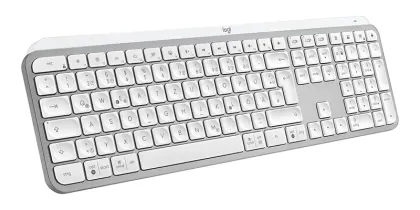
Flagship productivity keyboard with smart backlighting, multi-device pairing, and a quiet, comfortable typing experience.
Check price on Amazon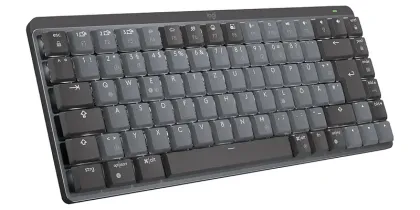
Low-profile wireless mechanical keyboard with tactile switches for a precise, responsive feel.
Check price on Amazon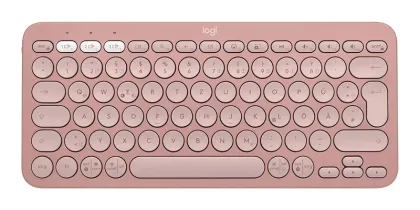
Slim, lightweight wireless keyboard with multi-device pairing. A budget-friendly option for everyday use and portability.
Check price on AmazonBetter posture, more space. Stands position your screens at the right height and free up your desk.
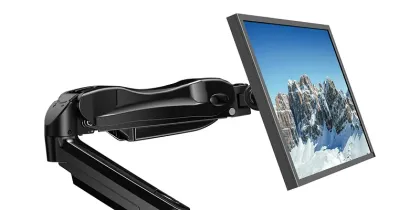
Strong and adjustable arm that supports monitors up to 32 inches. Smooth tilt, swivel, and rotation help you find the perfect ergonomic viewing angle.
Check price on Amazon
Dual-function mount that holds both a 32-inch monitor and a 17-inch laptop. Perfect for creating a clean, space-saving dual-screen setup with easy adjustments.
Check price on Amazon
A lightweight, foldable stand that raises your laptop to eye level. Improves posture, reduces desk clutter, and keeps your device cool with better airflow.
Check price on AmazonA boom arm keeps your desk tidy and your mic exactly where you need it.

Low-profile boom arm with full cable management, 360° rotation, and smooth adjustability. Built for professional setups where flexibility and a clean desk matter.
Check price on Amazon
Broadcast-quality mic arm with shock absorption, silent springs, and flexible mounting options. Designed for studios and home offices alike.
Check price on Amazon
A budget-friendly low-profile mic arm that keeps your microphone stable and easy to adjust. Compact, practical, and perfect for smaller desks.
Check price on AmazonStable mounts keep your camera or phone in the right position. They make framing simple, reduce distractions, and help you look professional.
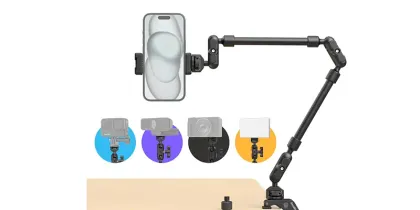
Heavy-duty, fully adjustable arm that locks your camera in place with precision and stability.
Check price on Amazon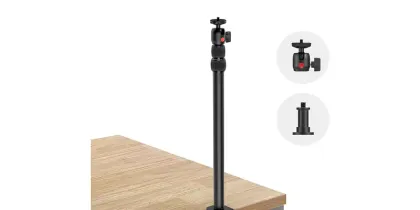
Space-saving vertical desk mount with multiple attachment points for cameras, lights, or accessories.
Check price on Amazon
Compact tripod with a strong magnetic mount for quick, stable phone setups anywhere.
Check price on AmazonGreat online trainings and workshops aren't just about methods. They're about the environment you create.
With the right facilitation setup and online workshop equipment, you can run virtual meetings that feel smooth, professional, and engaging. Start small if you need to, then upgrade as your facilitation setup grows.
Every piece of gear here has been tested to simplify your digital facilitation setup, so you focus less on tech and more on your participants.
Want to wear the joke instead of just owning the gear? Check out FaciliSwag.
Need the setup filmed and produced, not just assembled? Production covers that. More free tools and guides live on the Resources page.
Some links on this page are affiliate links. If you choose to buy through them, I may earn a small commission at no extra cost to you. It's a simple way to support my work and keep these free resources coming, and I truly appreciate it.